 Slowly
Static export
Snapshot a page or the whole site into a self-contained static folder, downloaded as a zip.
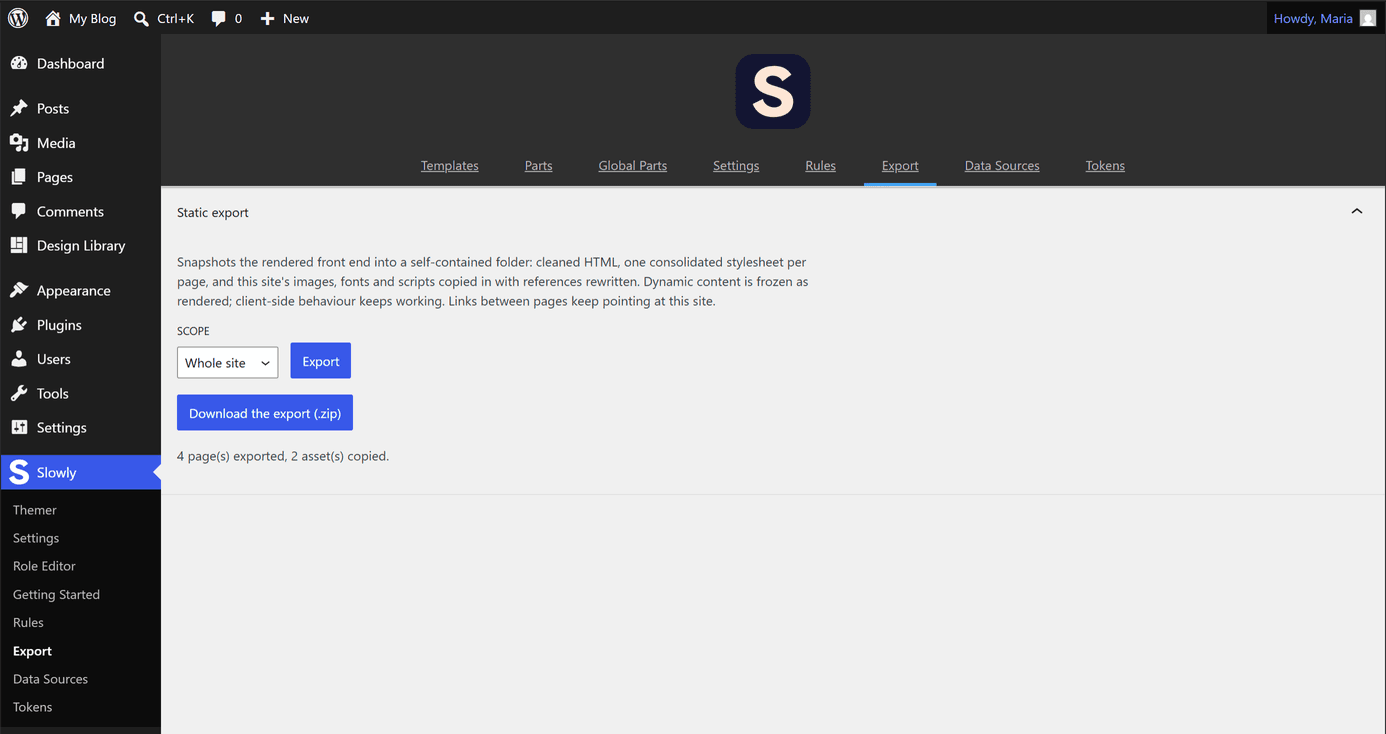
In wp-admin, open Slowly → Export. Pick a scope, Whole site or Single page, and select Export. The export runs page by page with live progress, so it works on shared hosting without timing out, and ends with a zip to download.
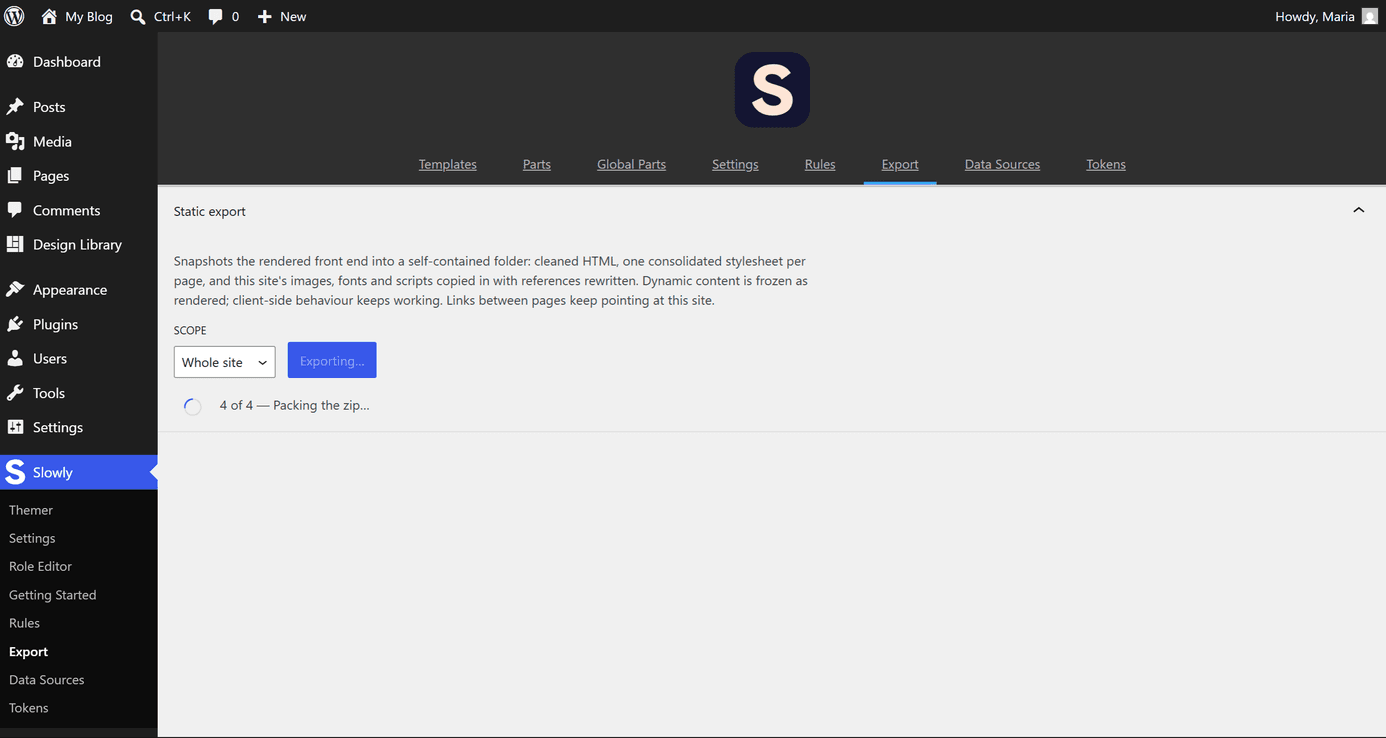
Whole site covers the front page plus every published page and post of the public post types, plus the archive page for every public taxonomy term that has published content (categories, tags, and any custom taxonomy), each in its own folder in the tree.
Each page's folder mirrors its real permalink path rather than an invented post-type/slug scheme: a page at /about/ exports to about/, a hierarchical page nests the way its parent does, a custom post type keeps its own rewrite base, and a language prefix such as /es/ carries through unchanged. A taxonomy term archive folders the same way, so /area/foo/ and its /es/area/… translation both land where the live URL puts them.
The export is a snapshot of the rendered front end, not of the editor state:
- Dynamic content is frozen exactly as it rendered. Queries, fields, and conditions are resolved into plain markup.
- Client-side JavaScript is preserved and keeps running, so sliders, tabs, and lightboxes behave as before.
- Tracking and analytics scripts are stripped (Google Analytics, Tag Manager, Hotjar, Plausible, Matomo, Facebook, and similar), along with WordPress head clutter like generator tags and emoji scripts.
- This site's images, fonts, and scripts are copied into an
assetsfolder and every reference is rewritten to a relative path, so the folder works from anywhere. - Each page gets one consolidated
style.cssfrom all its same-origin stylesheets. External sheets stay linked. - Internal links to another page in the same export are rewritten to a relative path (
../about/, and so on), so the tree navigates on any static host without pointing back at the live site. A link to a page outside the export scope, or one with a query string, is left as it rendered.
The report after the run lists how many pages and assets were exported, any pages that failed, external resources left as absolute URLs, and resources that could not be fetched. Nothing is dropped without appearing there.
Export sessions on the server are cleaned up after a day, so download the zip promptly and keep your own copy.