 Slowly
Getting started
Install Slowly
Download the Slowly zip and install it like any WordPress plugin.
Slowly installs like any WordPress plugin, from a zip.
Before you start:
- WordPress 6.6 or newer
- PHP 8.0 or newer
Steps:
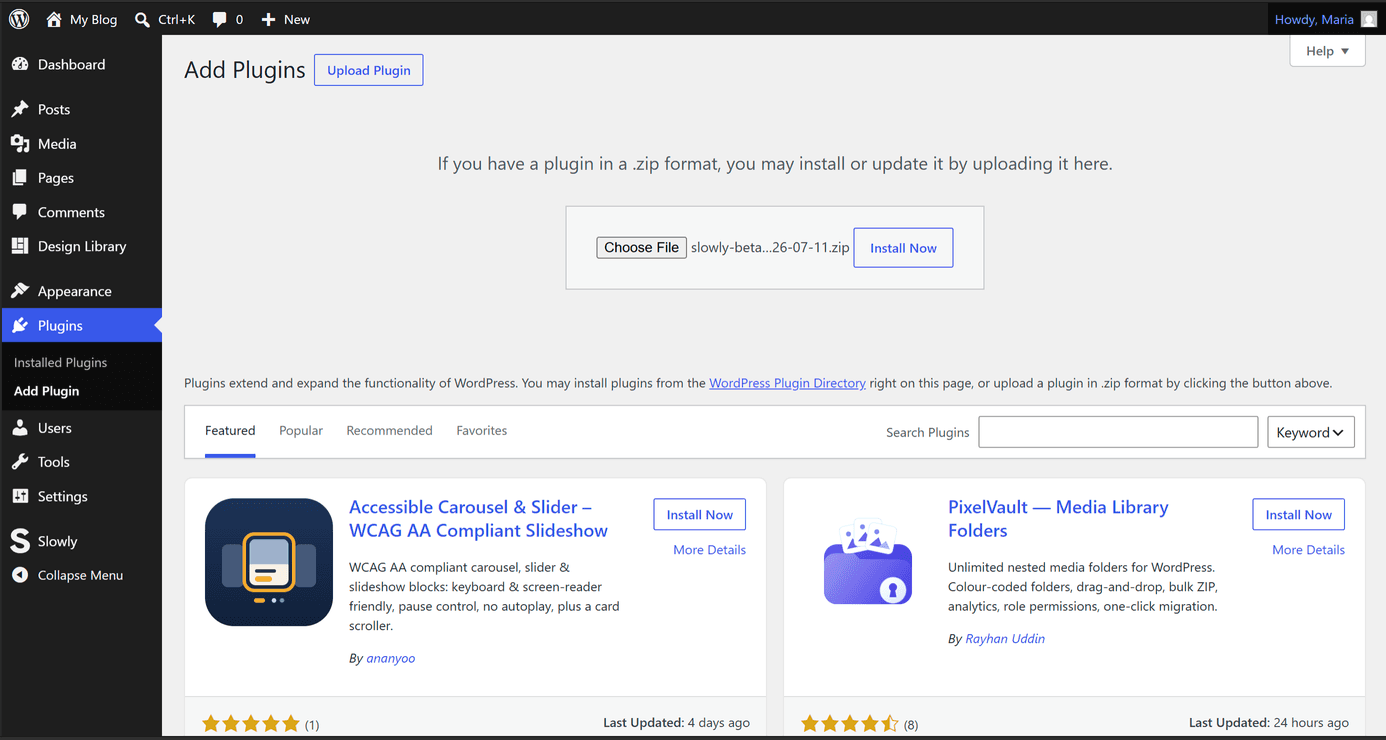
- Download the Slowly zip from buildingslowly.eu.
- In WordPress, open Plugins → Add New Plugin, then Upload Plugin at the top.
- Choose the zip and select Install Now.
- Select Activate Plugin.
Activating Slowly opens the welcome screen. It sets up the basics and offers the Slowly theme, and you can follow it or skip it, since the plugin runs on whatever block theme you already have active.
That is the whole install. Slowly adds its blocks, the Themer, and a Settings page, and nothing else needs configuring before you start building.